
macOS App & Landing Page
SwifT Translator
Client
Personal project
Role
Designer & Developer
Deliverables
macOS App Design, Landing Page
Year
2026
Overview
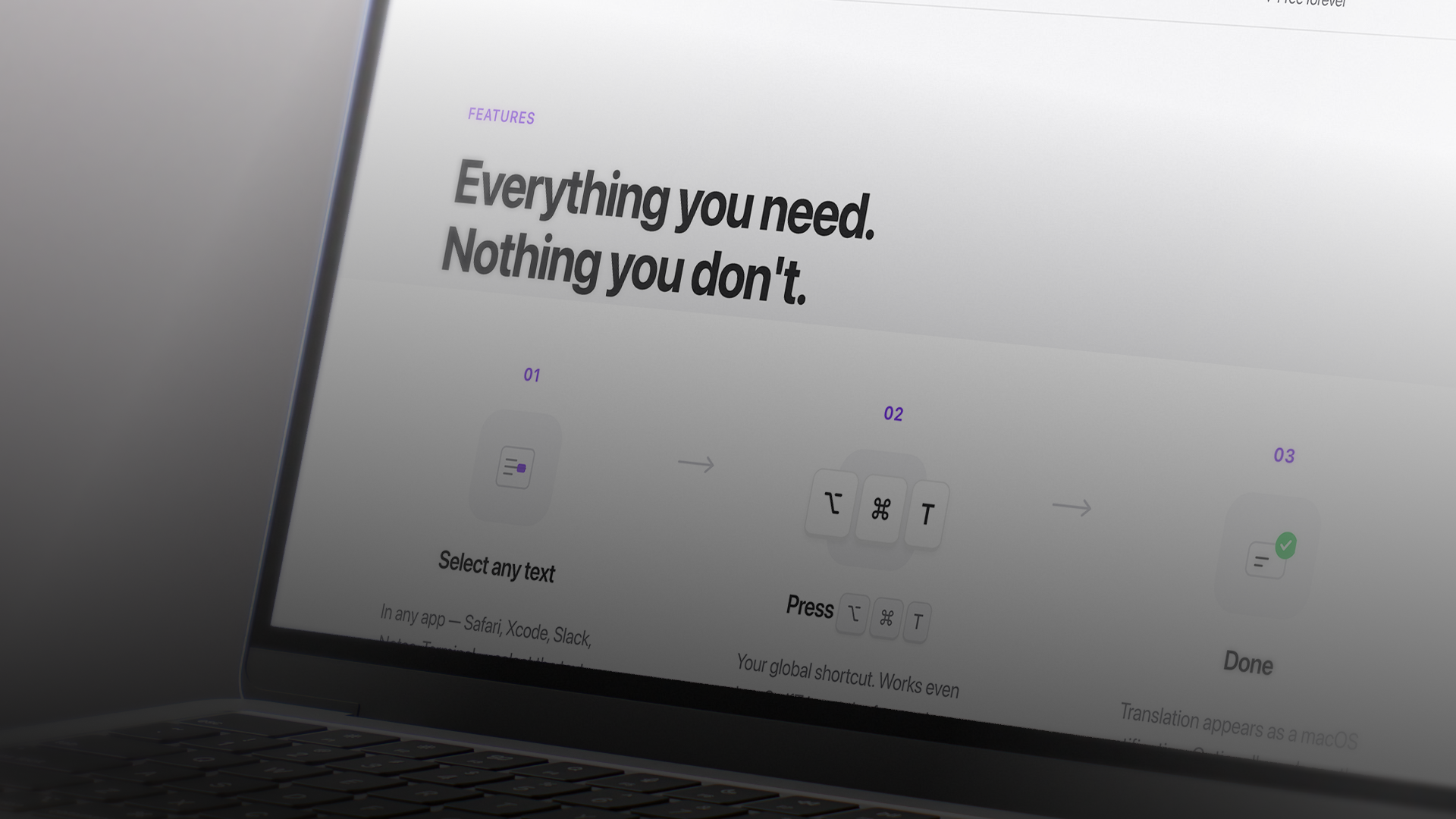
SwifT Translator started as a personal frustration: translating text on macOS meant switching apps, opening browser tabs, copying and pasting. Every existing solution broke the flow. So I built one that didn't. SwifT Translator lives in the menu bar, requires no setup, no account, and no API keys, you select text in any application, press a shortcut, and get the translation as a native macOS notification. The design covers the full product surface: the macOS app UI, the app icon, and the marketing landing page.
The Challenge
Problem to solve
The product challenge was radical simplicity. Most translation tools are feature-rich to justify their existence, SwifT Translator had to justify its existence through absence of features. Every design decision was a subtraction: no preferences panel, no history view, no onboarding flow. The interface had to disappear. For the landing page, the challenge was communicating a product so simple that the entire value proposition fits in one sentence, without the page feeling empty or underdesigned.
Process
My approach
The macOS app was built as an NSStatusItem (menu bar only, no Dock icon) using SwifT Translator and AppKit. The translation engine uses a three-tier fallback chain: Apple's on-device Translation framework (macOS 26+, fully private), Google Translate (no API key required), and MyMemory as a final fallback. The landing page was designed to mirror the product's philosophy, clean, fast, opinionated typography, a single CTA. The icon uses a sharp geometric bolt mark that reads at 16px in the menu bar and at 512px in the App Store grid.


